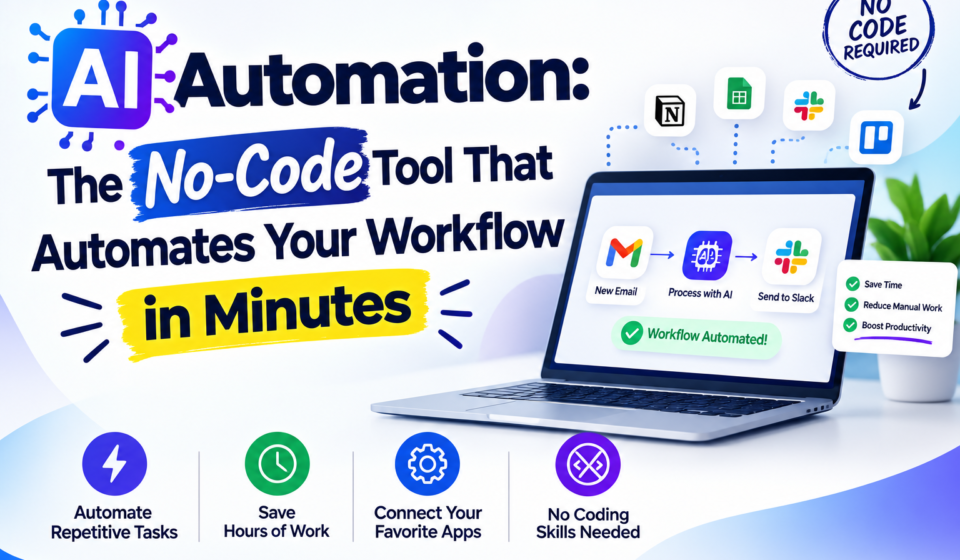
What If You Could Automate Your Daily Tasks Without Writing a Single Line of Code?
Imagine waking up in the morning and finding that your business tasks — sending messages, collecting data, posting content — are already done. No manual effort. No coding. Just results.
That’s exactly what Impresiv promises to deliver.
In this article, we’ll take a deep dive into the Impresiv AI Automation app — what it is, how it works, who it’s for, and whether it’s actually worth your time. Whether you’re a freelancer, marketer, content creator, or small business owner, this review will help you decide if Impresiv deserves a spot on your phone.
What Is Impresiv?
Impresiv is an AI-powered automation platform available on Android. It allows users to connect multiple apps, create automated workflows, and handle repetitive digital tasks — all through a simple drag-and-drop interface.
Think of it like having a personal digital assistant that runs in the background 24/7, handling tasks you would otherwise do manually.
The app is developed by PT Wadah Inovasi Teknologi, an Indonesia-based tech company, and is available on the Google Play Store with 5,000+ downloads and a 4.1-star rating.
Key Features of Impresiv
1. AI-Powered Workflow Automation
At its core, Impresiv uses artificial intelligence to help you build smart workflows. You don’t need to be a developer or have any technical background. The AI handles the logic while you focus on the outcome.
2. Visual Drag-and-Drop Builder
Building an automation on Impresiv feels more like drawing a flowchart than writing code. You simply drag elements onto a canvas, connect them, and set the conditions. It’s clean, visual, and beginner-friendly.
3. App Integrations
This is where Impresiv really shines. It connects with popular tools like:
- WhatsApp — automate messages and notifications
- Telegram — trigger bots and alerts
- Discord — manage community notifications
- Google Sheets — auto-collect and update data
- And more integrations are being added regularly
4. Multiple Trigger Options
Impresiv supports three types of workflow triggers:
- Webhook — trigger automations when an external event happens
- Schedule — run tasks at a specific time or interval
- Polling — continuously check for changes and react accordingly
5. No Coding Required
This is perhaps the biggest selling point. You don’t need to know Python, JavaScript, or any other programming language. If you can use a smartphone, you can use Impresiv.
Who Should Use Impresiv?
Impresiv is designed for people who want to work smarter, not harder. Here’s who can benefit the most:
Freelancers can use it to automate client reporting, follow-up messages, and data collection — saving hours every week.
Marketers can schedule content workflows, automate lead collection via Google Sheets, and set up multi-platform notification systems.
Content Creators can trigger posts, manage community messages on Discord or Telegram, and automate audience engagement.
Small Business Owners can streamline operations like order confirmations, customer communication, and data tracking without hiring a developer.
How to Get Started with Impresiv
Getting started is straightforward:
- Download the app from the Google Play Store (search “Impresiv AI Automation”)
- Log in with your account credentials
- Create a new workflow using the drag-and-drop builder
- Connect your apps — WhatsApp, Google Sheets, Telegram, etc.
- Set your trigger — webhook, schedule, or polling
- Test and activate your workflow
Within minutes, your automation can be live and running.
Impresiv vs Other Automation Tools
Many people compare Impresiv to tools like n8n, Zapier, or Make (formerly Integromat). Here’s how it stacks up:
| Feature | Impresiv | n8n | Zapier |
|---|---|---|---|
| No-code interface | ✅ | ✅ | ✅ |
| Mobile app | ✅ | ❌ | Limited |
| Free to use | ✅ (basic) | ✅ (self-hosted) | Limited |
| App integrations | Growing | 400+ | 6,000+ |
| Maturity | Early stage | Established | Established |
The honest truth? Impresiv is newer and has fewer integrations than Zapier or n8n. But its mobile-first approach and beginner-friendly design give it an edge for users who want simplicity on the go.
What Users Are Saying
Reviews on Google Play are mixed but lean positive:
One user said the app is “very impressive” but noted a bit of a learning curve for newcomers. Another appreciated the “intuitive interface” and was able to create professional-looking automations in just a few minutes.
On the flip side, one critical review pointed out that the app doesn’t offer a separate registration option (only login), which confused some new users. The developer has been responsive to feedback, which is a good sign for future improvements.
Download app :- https://bit.ly/4dzQvDg